Apple's First Folding iPhone Arrives With Touch ID, App Quirks and a $1,999 Price
The iPhone Duo, Apple's first foldable, drops Face ID and faces app-compatibility growing pains, but offers useful multitasking, camera and accessory features.
By News Media House Staff ·
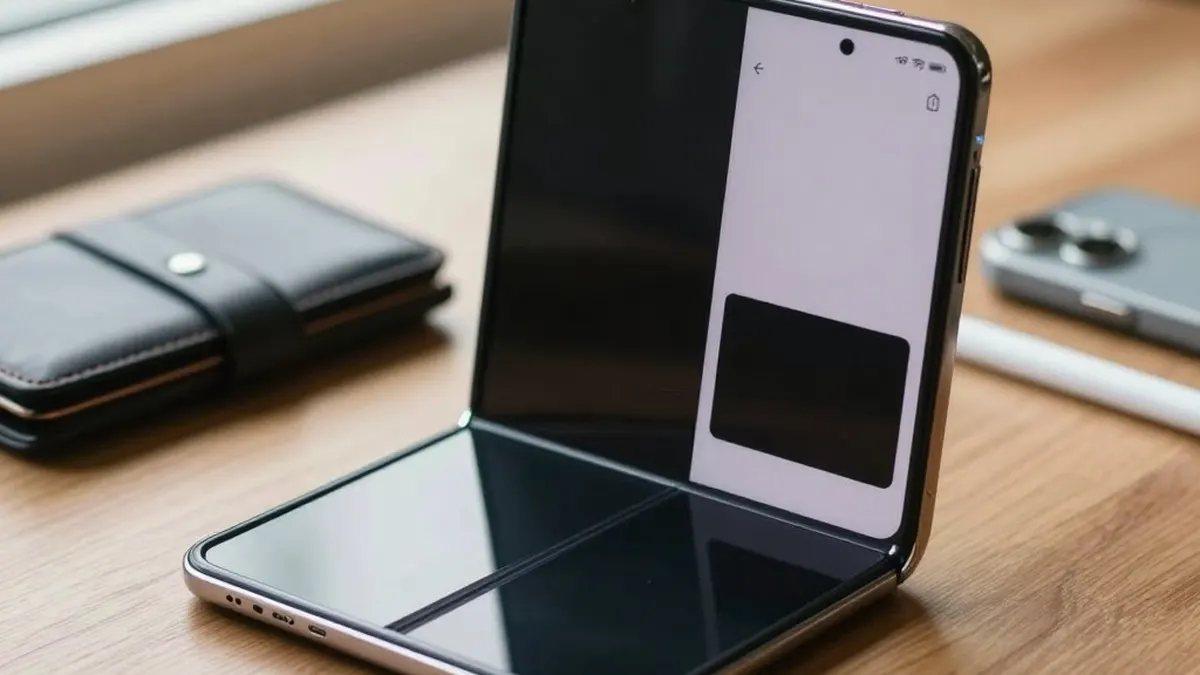
Apple's first folding smartphone, the iPhone Duo, has arrived seven years after Samsung introduced the category with the Galaxy Fold. Wired's early assessment is that the extra time spent refining the hardware out of public view has paid off, calling the Duo a "pretty dang good foldable." With a price of $1,999, buyers may want to know a few things before unfolding it.
The most immediate issue is software. The Duo has a 5.4-inch outer screen and a 7.6-inch inner display, a shape and size new to Apple, and many apps have not yet been optimized for it. Apple's own redesigned apps look good, but numerous third-party apps appear as a narrow strip down the middle with thick black bars at the sides. Slack, Instagram, DoorDash and WhatsApp have already been updated for iOS 27.1, though even some of those, Instagram among them, still show broken interface elements. Apple has also moved navigation elements to the right rail rather than centering them at the bottom. Since the Duo is back-ordered for several weeks, developers may have caught up by the time many buyers receive theirs.
The Duo also marks a break from recent iPhone design: it has no Face ID. Apple instead uses Touch ID, with the sensor on the right side. Wired suggests the thinness of the device is the likely reason. It is the first time Touch ID has returned on a flagship iPhone, although it has remained on the iPhone SE, iPads and MacBooks. Some users may miss the speed of Face ID, while others who disliked facial authentication may welcome the change. The Dynamic Island survives, relocated to the top-right edge around the outer selfie camera, and it appears in the same corner on the inner display during live activities.
Accessories need some attention. The Duo supports MagSafe, but when unfolded and attached to a car dock or tripod, it tips to one side because of uneven weight distribution. Third-party makers could address that with anti-rotation magnets, which may mean replacing existing gear. Magnetic wallets can be attached, but because the Duo is shorter than other iPhones, they stick out past the bottom edge, and Apple offers no official fix.
Photography is a highlight. Users can take selfies with the superior rear cameras while previewing on the outer screen. After launching the camera and flipping the phone, a "Slide to show camera" control brings the full camera app to the outer display, including modes and Photographic Styles, and it disables the inner screen to prevent accidental touches. This is separate from "Duo Preview," which lets the person being photographed see the viewfinder, and from "Kids Cue," which plays Snoopy animations on the outer screen to attract a child's attention.
For multitasking, users can drag an app from the bottom to either side of the inner screen to run two apps side by side. Tapping the middle bar once makes it glow white and locks the two apps as a pair, accessible from the Recent apps menu, though the pair cannot be saved as a single icon.
Care is advised with the inner display. A case and an outer-screen protector are reasonable, but the matte nano-texture finish on the inner screen is, Apple says, an "integral" component, and the company's support page warns, "Don't attempt to remove it." Doing so could void the warranty, and Apple does not address third-party screen protectors, which might hurt display performance. Apple says a damaged finish can be replaced at an Apple Store or authorized provider for $19, or $49 out of warranty, while a cracked inner display costs $999 without AppleCare+.
Some conveniences are on the way. The keyboard can already be split to make typing on the wide inner display easier, and a software update later this year will add Reachability, shifting an app to the left or right instead of pulling it down. Another update later this year will add support for the USB-C Apple Pencil, and only that model, which should make writing and drawing feel paper-like on the nano-texture screen. There is no place to store the stylus on the phone.
Source: Wired